Dynamics · VST3 & AU

Focus

Loudness and clarity — quite the opposite of stereo widening.

Whenever significant material is present, FOCUS automatically pulls the sound into focus. Try it on vocals, drums, buses, or a full mix.

$50
Free 7-day trial
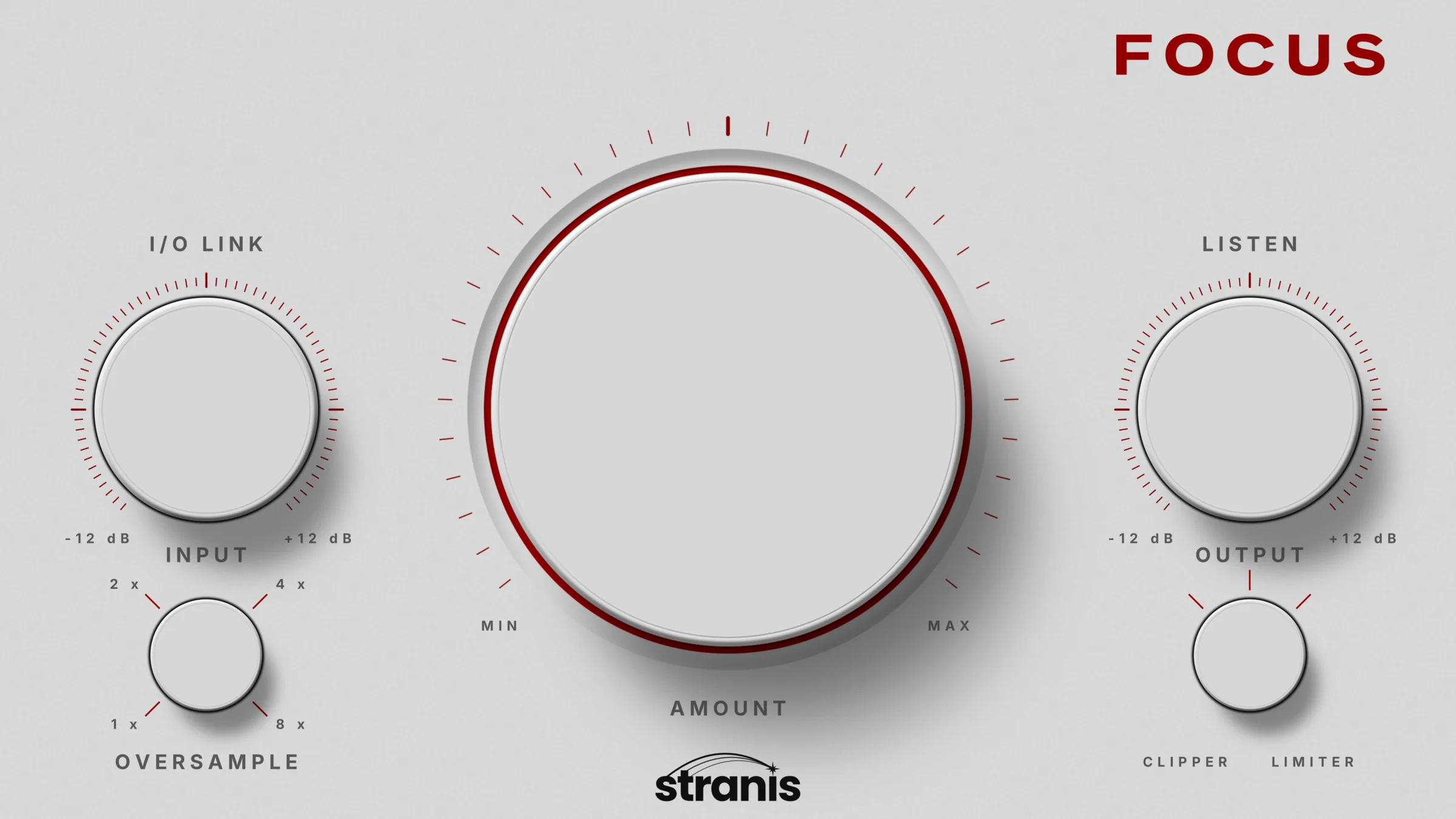
FOCUS plugin interface

This panel is live — grab a knob, flip A/B, toggle I/O Link.
Hear
it first

FLAC quality, perfectly synced. Switch A/B while playing — the position never jumps, so your ears do the judging.

One knob.
Three moves.

It suits a fast loudness boost and a detailed mix equally well.

01

Detect

A filtered signal derived from the mid channel serves as the sidechain input — you choose what FOCUS reacts to.

02

Compress

That sidechain drives a compressor acting on the side channel — the opposite of stereo widening.

03

Focus

Whenever significant material is present, the sound automatically pulls into focus: louder, clearer, centered.

Under
the hood

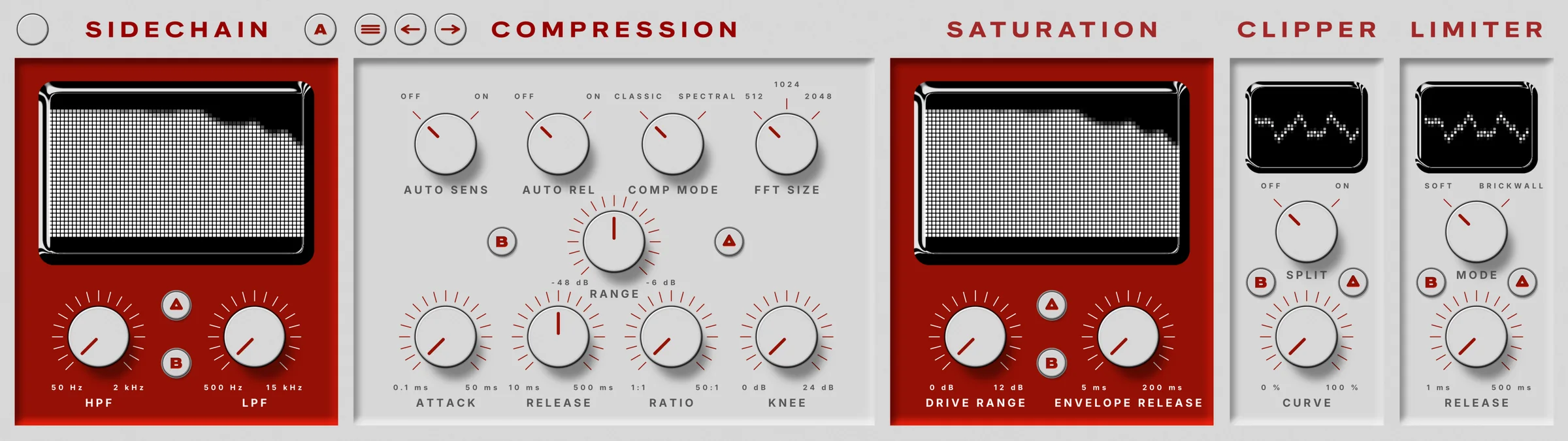
One knob up front. Five modules behind it — open the advanced view when you want full control.

FOCUS advanced view: sidechain, compression, saturation, clipper and limiter modules

Sidechain

HPF / LPF over a live spectral display — shape exactly what the detector hears.

Compression

Classic or spectral mode with selectable FFT size, auto sensitivity and release, plus manual attack, release, ratio, knee and range.

Saturation

Program-dependent drive with envelope release, metered in real time.

Clipper

Adjustable curve with split mode and a live waveform scope.

Limiter

Soft or brickwall mode with release control — the final safety stage.

FOCUS walkthrough video
Formats
VST3 · AU
Platforms
Windows · macOS
Trial
7 days, full version
License
1 machine per license, manage devices in your account
Updates
Free lifetime updates
Delivery
Instant — key and installer in your account

Get Focus

$50
Try free for 7 days

Own forever. Free lifetime updates.